PDFForge
Read, search, edit, sign, scan and organise PDFs on Android, now with a Pro PDF-to-Word tool that converts selected pages into editable DOCX. PDFForge Web remains available for quick reading, merging, splitting and page organisation.
Read, edit, convert & manage PDFs
- Read PDFs with zoom, search and bookmarks
- Add text, highlights, drawings, images and signatures
- Convert selected PDF pages to editable Word DOCX with optional OCR fallback Pro
- Reorder, rotate, remove and extract pages
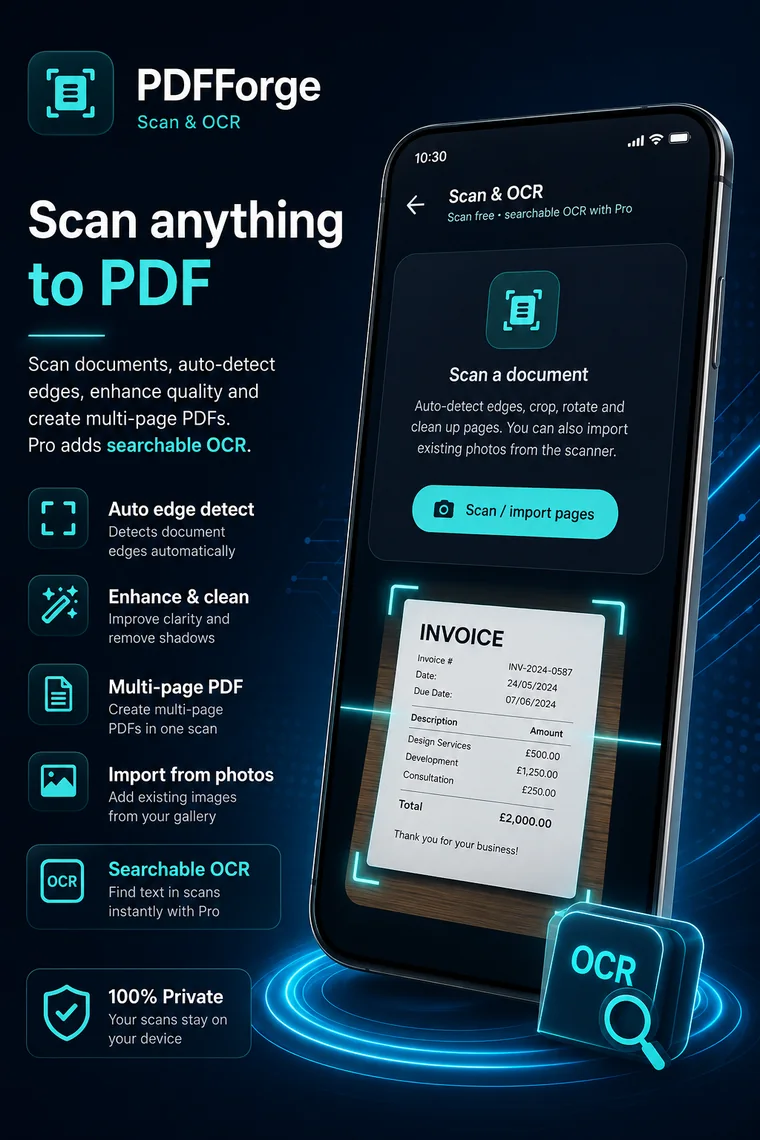
- Scan documents to PDF with OCR workflows
- Merge files and password-protect documents
PDF Forge: PDF Reader Tools
Platform: Android
Status: Production
Package: com.epicfailwinner.pdfforge
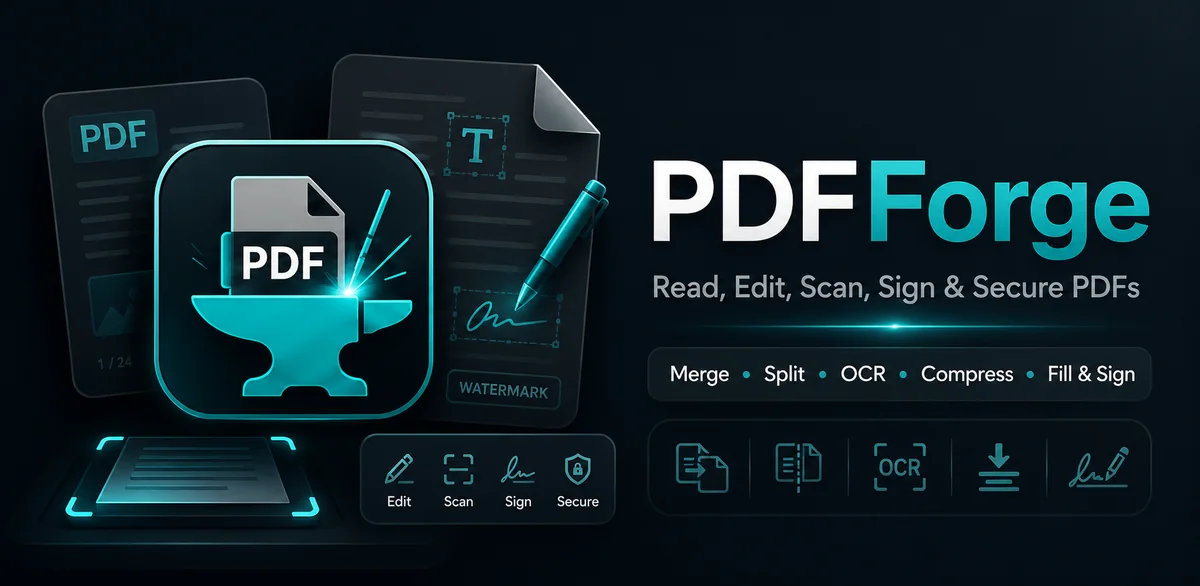
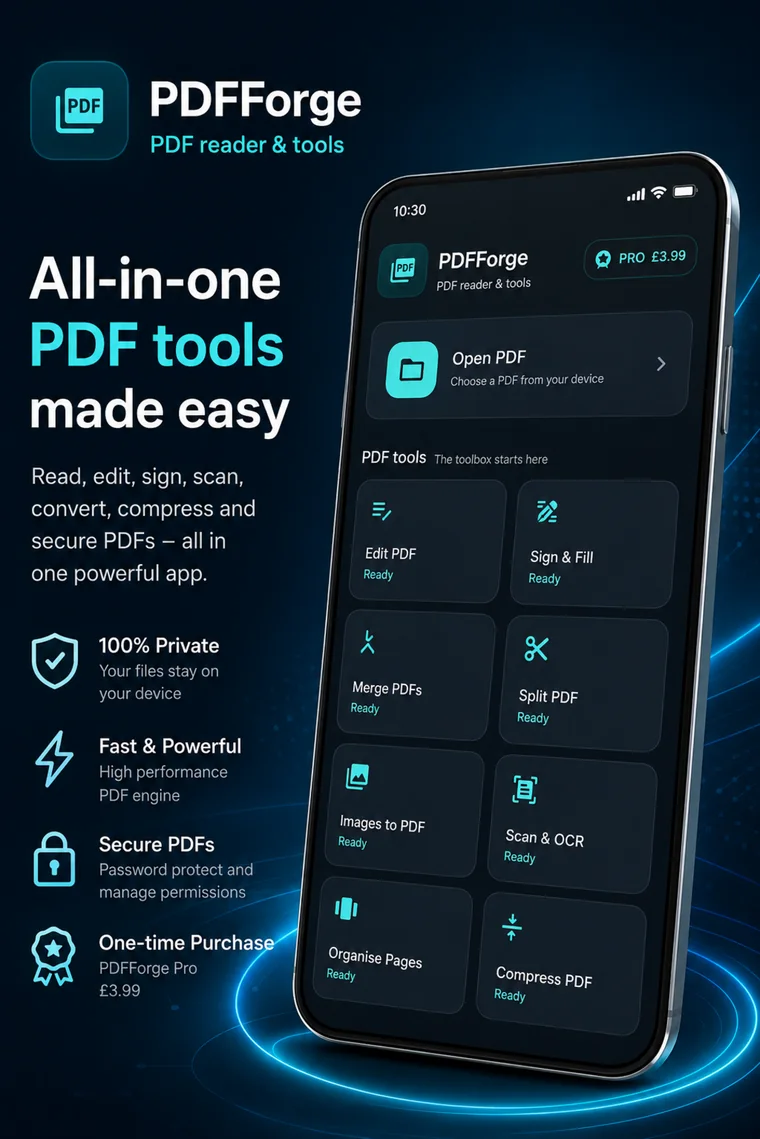
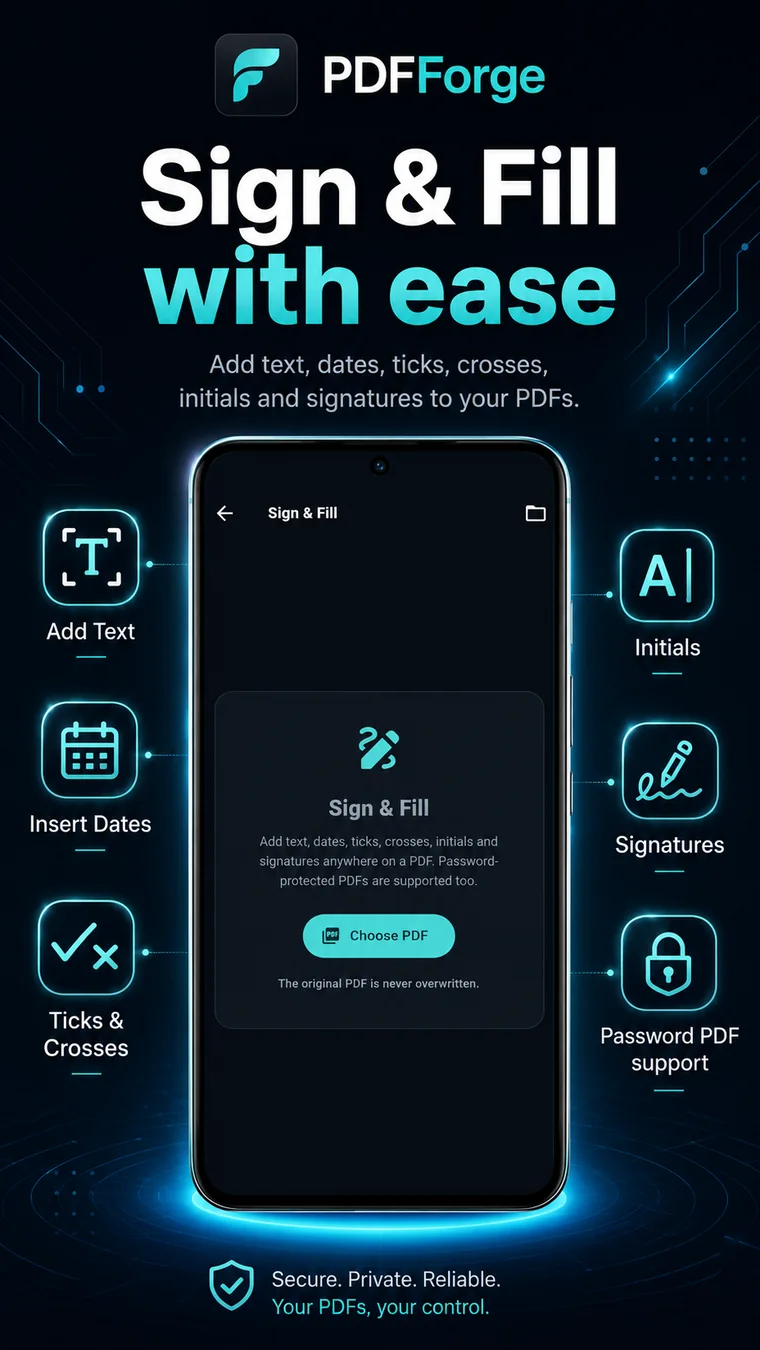
PDFForge in action.
Real supplied product visuals now replace the oversized mock preview, keeping the page cleaner while still showing what the app actually does.
Built for a clear job.
Anyone who regularly works with forms, scanned paperwork, reports or multi-page PDF documents and wants practical document tools without relying on a desktop computer.
Where it fits.
Why use PDFForge?
PDFForge puts common document jobs in one mobile-first toolkit. You can read and search a PDF, mark it up, sign it, scan paperwork, reorganise pages, merge files or turn selected PDF pages into an editable Word document without bouncing between several separate apps.
PDF to Word — editable DOCX from selected pages.
PDFForge Pro can now extract text from selected PDF pages and build an editable .docx file. On Android, an optional OCR fallback can recognise text on scanned pages that do not contain enough extractable text.
Convert the whole PDF or enter a page range before export.
Use Android text recognition for scanned or image-based pages when needed.
PDFForge creates a Word DOCX with page breaks and approximate text hierarchy.
Complex tables, columns and exact PDF layouts can still need tidying in Word.
PDF-to-Word is currently an Android Pro feature. The browser edition does not advertise this conversion yet.
Frequently asked.
Can PDFForge convert PDF files to Word?
Yes. PDFForge Pro on Android can convert selected PDF pages into an editable DOCX Word document.
Does PDF-to-Word work with scanned PDF pages?
PDFForge can use an optional OCR fallback on Android when a selected page has little or no extractable text. OCR is best-effort, so some scanned pages may still need checking.
Will the Word file look exactly like the PDF?
Not always. PDFForge preserves editable text, reading order where possible, page breaks and approximate text sizing, but complex tables, columns and exact page layouts can need tidying in Word.
Can PDFForge convert only some pages to Word?
Yes. The PDF-to-Word screen lets you choose a page range before creating the DOCX file.
Can password-protected PDFs be converted?
PDFForge can prompt for the PDF password before opening the file. Conversion can continue after the password is successfully verified.
Can I use PDF-to-Word in PDFForge Web?
Not currently. PDF-to-Word is an Android Pro feature. PDFForge Web currently focuses on reading, merging, splitting and organising PDF pages in the browser.