
ImageForge
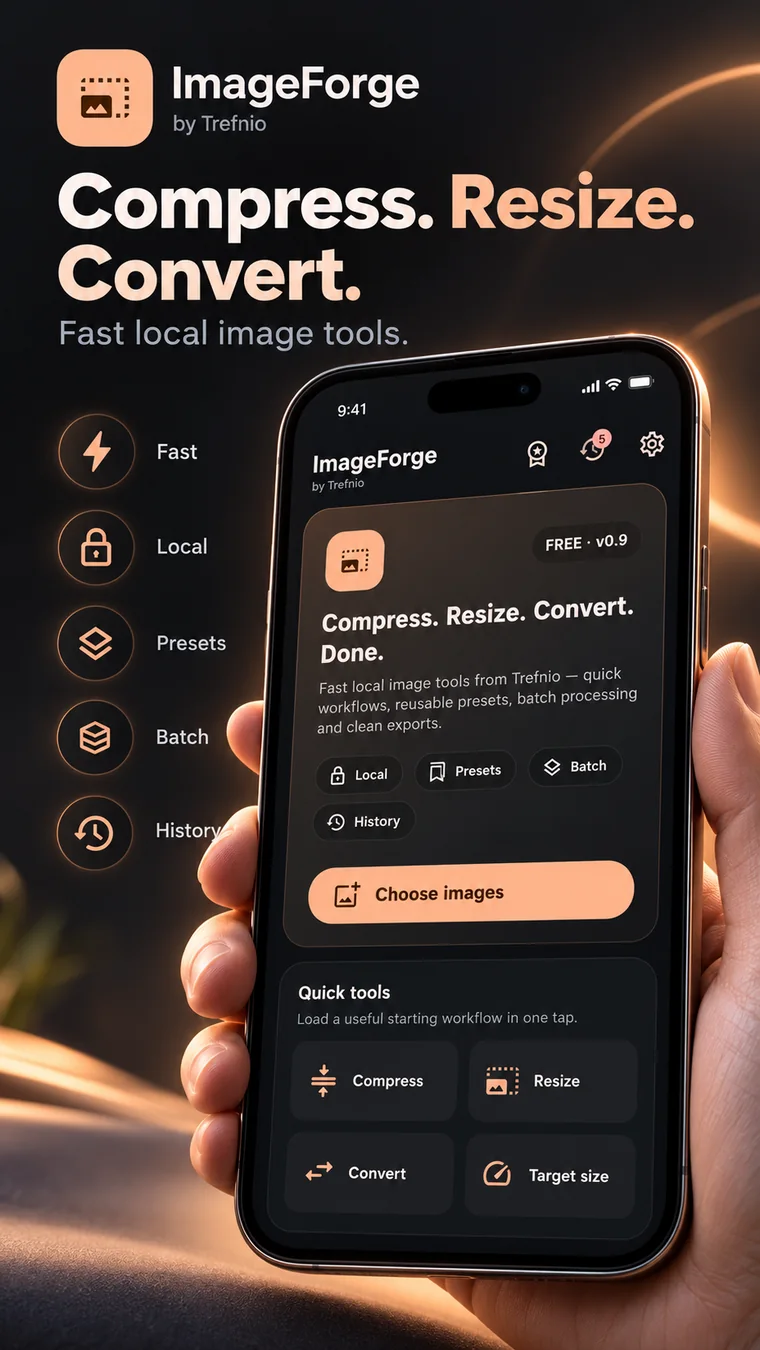
Compress, resize and convert images without opening a full photo editor. ImageForge focuses on file size, dimensions, format, batch jobs and metadata cleanup.
Compress, resize & convert images
- Image compression
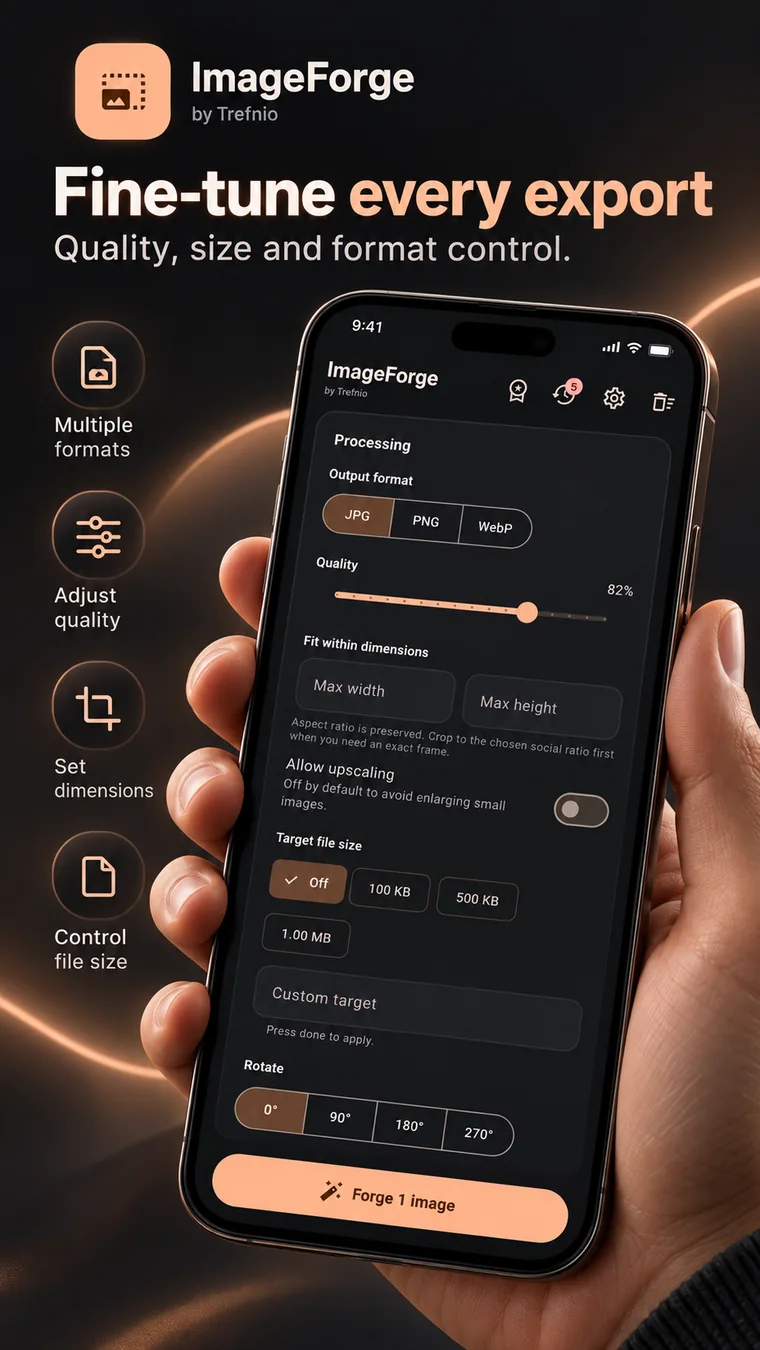
- Resize by dimensions or target file size
- JPG, PNG and WebP conversion
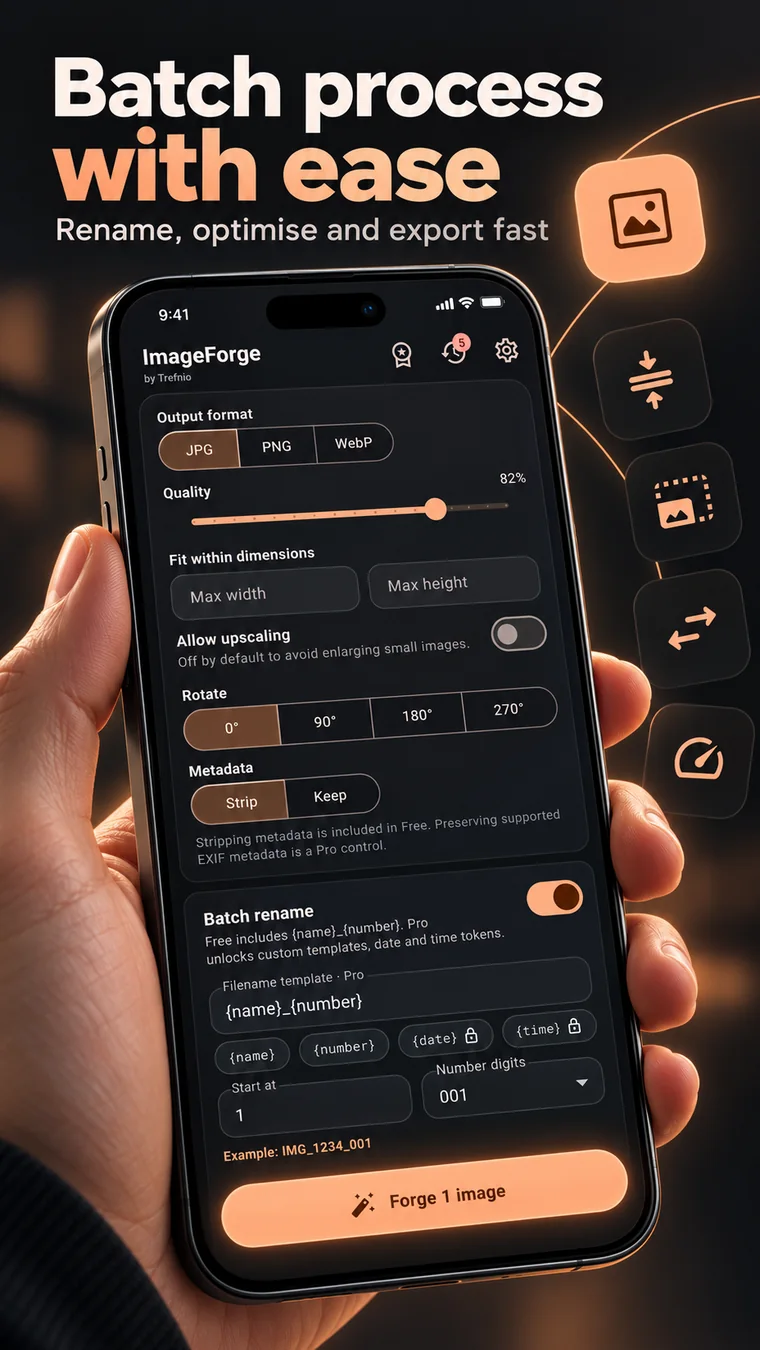
- Batch processing and batch rename
- Crop, rotate and strip EXIF/location metadata
ImageForge
Platform: Android
Status: In development
Use online ▶
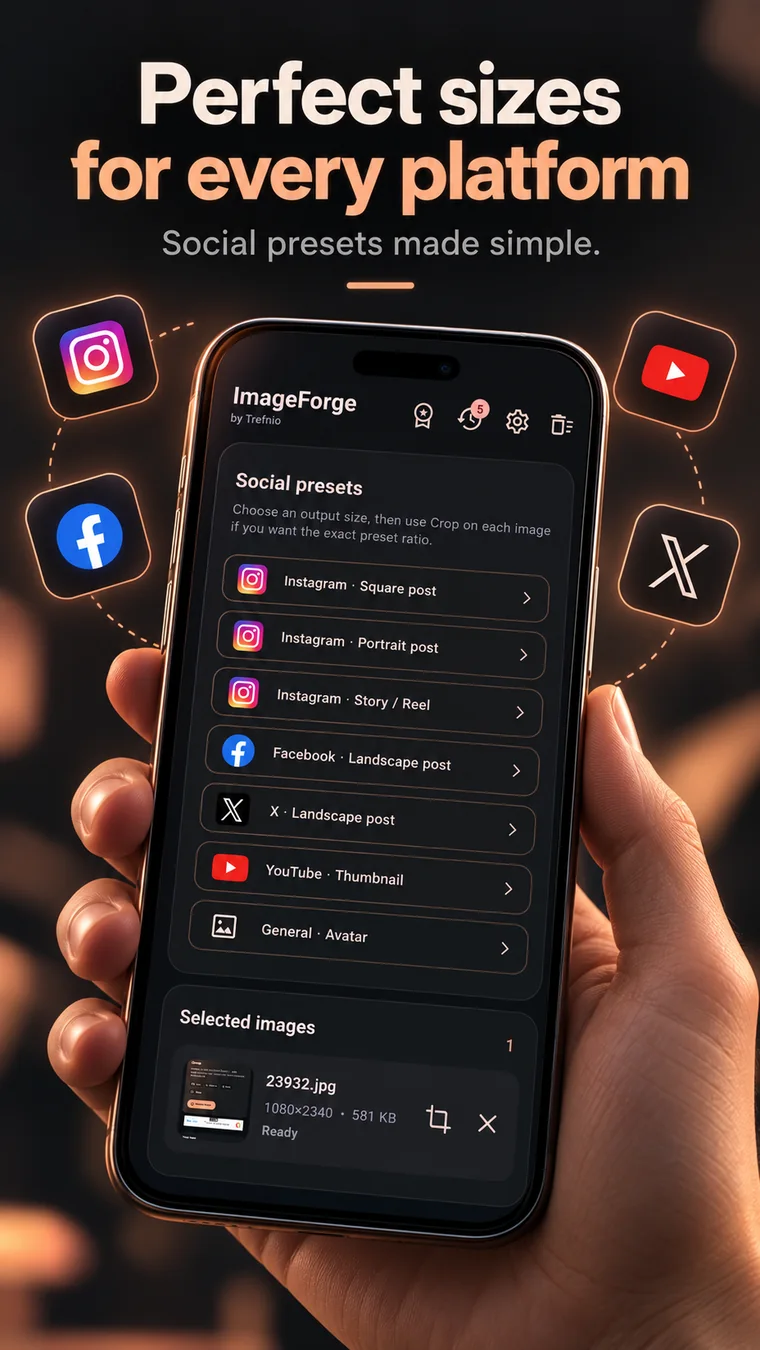
ImageForge in real screenshots.
The large preview block has been removed. Visitors now get a smaller, faster-scanning gallery of the supplied real app visuals.
Built for a clear job.
Anyone preparing images for uploads, websites, forms, social media or sharing and who cares more about size, dimensions and format than creative photo editing.
Where it fits.
Why use ImageForge?
ImageForge is deliberately a utility rather than a photo studio. It gets you from an oversized or wrongly formatted image to the file you actually need, with batch tools for repetitive jobs.
Frequently asked.
Can ImageForge compress an image to a target file size?
Yes. ImageForge includes target-size workflows for common goals such as 100 KB, 500 KB and 1 MB where the chosen format supports it.
Can ImageForge process several images at once?
Yes. Batch processing is part of the ImageForge workflow.
Can ImageForge remove EXIF and location metadata?
Yes. Metadata cleanup is included for supported image workflows.
Can I use ImageForge online now?
Yes. ImageForge Web is live for browser-based compression, resizing and format conversion.