
TransferForge
Connect to FTP and SFTP servers from Android, browse remote folders and move files without exposing your server credentials to a Trefnio-hosted transfer service.
Secure FTP & SFTP transfers
- FTP and SFTP support
- SSH fingerprint verification
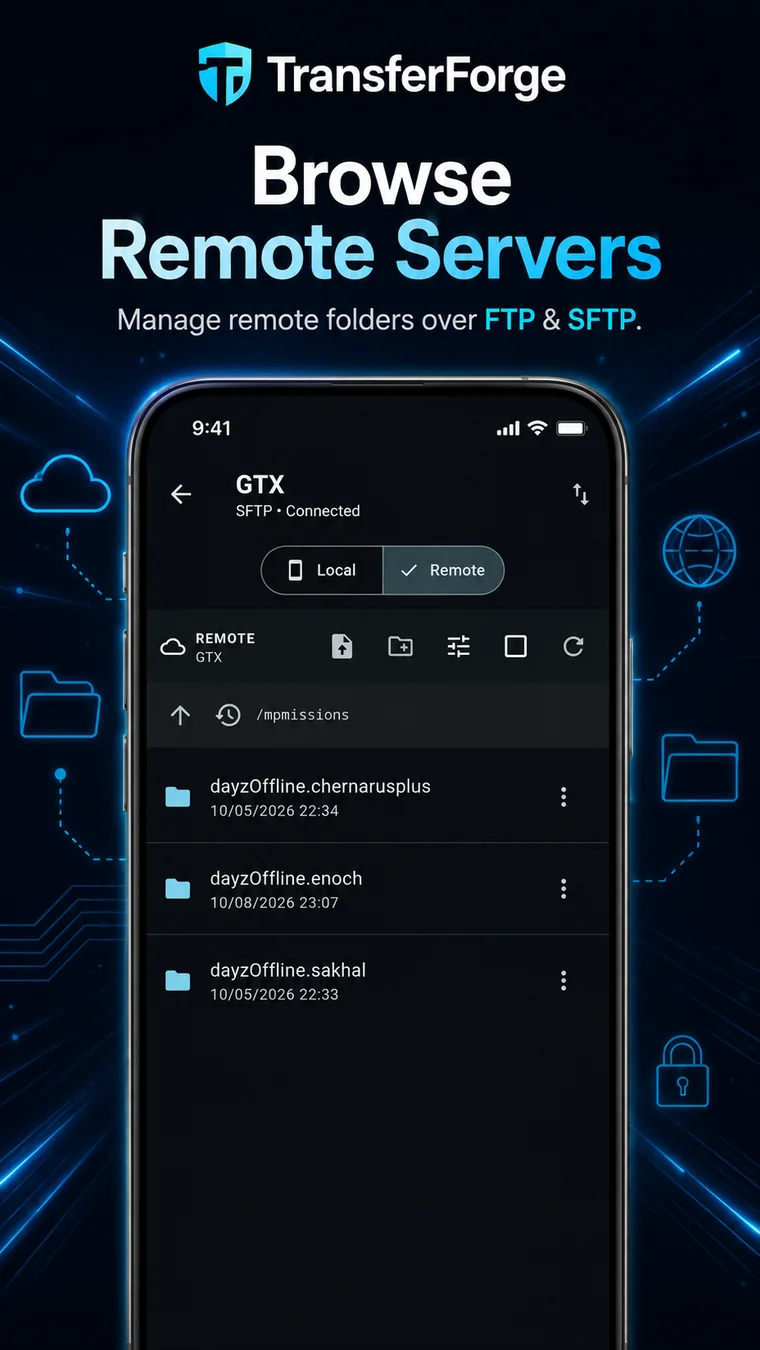
- Local and remote file browsing
- Upload and download files or folders
- Useful for websites, game servers, configs and backups
TransferForge: FTP & SFTP
Platform: Android
Status: Production
Package: com.christudball.transferforge
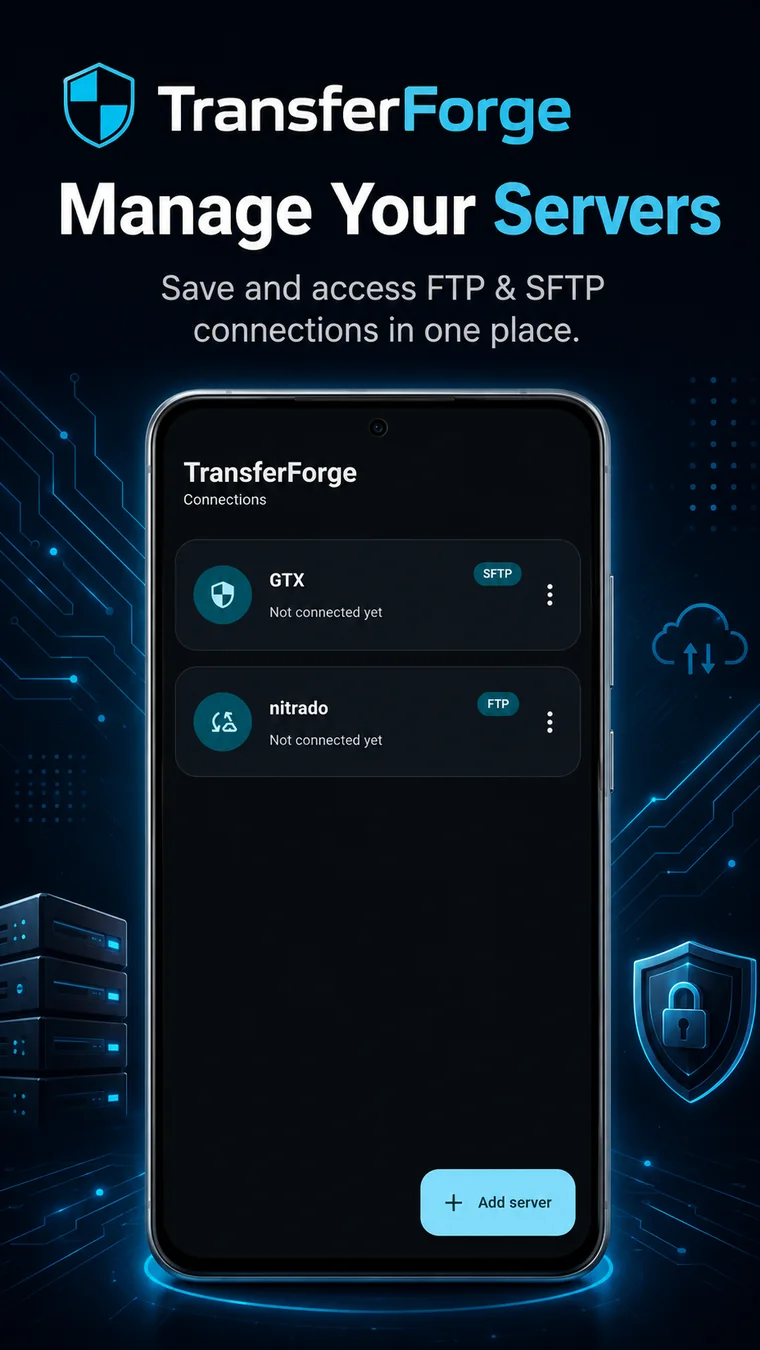
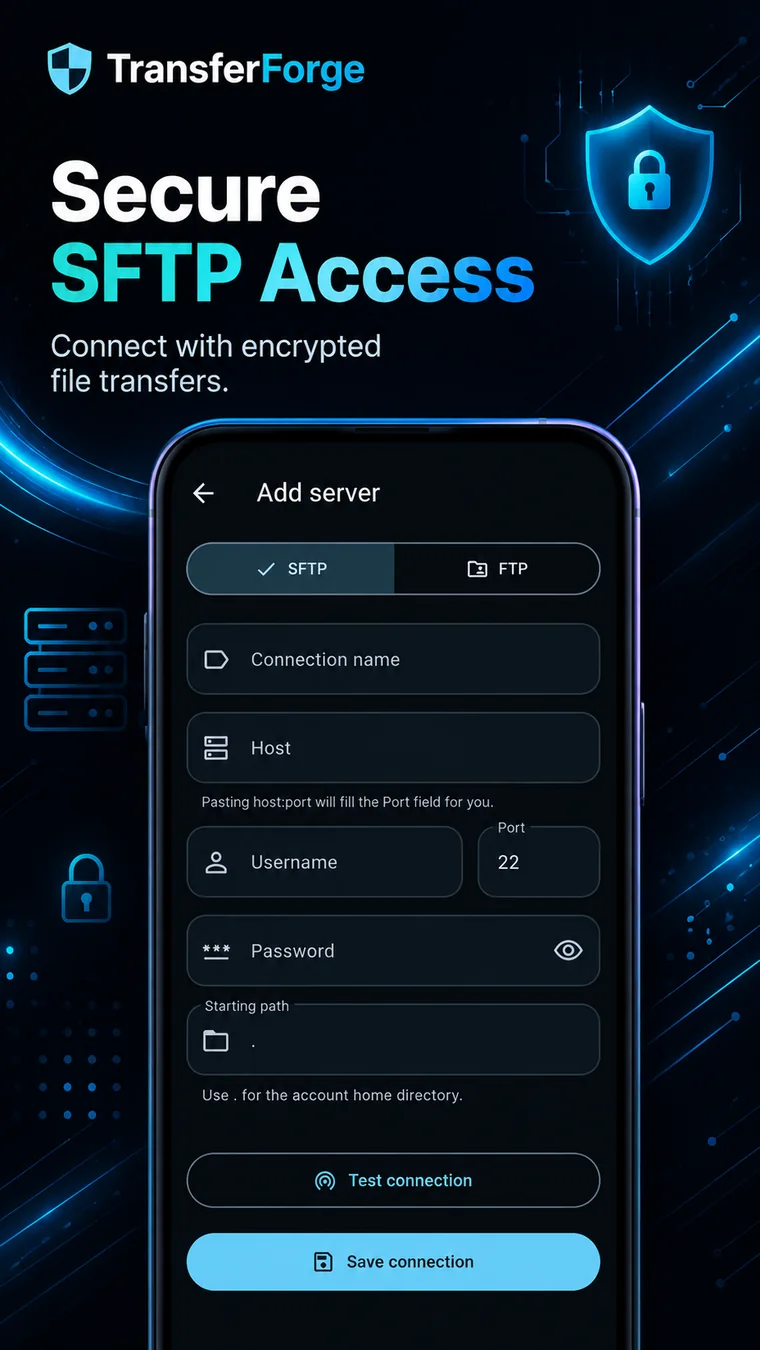
TransferForge in action.
The supplied store assets show the real FTP/SFTP workflow without turning the page into a wall of screenshots.
Built for a clear job.
Website owners, server admins, game-server operators and anyone who needs to move or manage files on an FTP or SFTP server from an Android device.
Where it fits.
Why use TransferForge?
TransferForge is for the jobs where opening a laptop is overkill: checking a server folder, uploading a changed config, downloading a backup or moving files while you are away from a desk.
Frequently asked.
Does TransferForge support both FTP and SFTP?
Yes. TransferForge supports both FTP and SFTP connections.
Does TransferForge verify SSH fingerprints?
Yes. SSH fingerprint verification is part of the SFTP connection workflow.
Can TransferForge upload and download folders?
Yes. The app supports browsing and transferring files and folders between local storage and remote servers.
Is TransferForge available on Google Play?
Yes. TransferForge is publicly available on Google Play.