
FileForge
Edit, inspect, format and validate XML and JSON without hauling a desktop-sized toolset onto your phone. FileForge is built for configs, structured data and quick fixes on Android and the web.
XML & JSON editing
- Open and edit XML and JSON files
- Focused mobile-first editing workflow
- Useful for configs, structured data and quick fixes
- Designed as a lightweight Forge utility
FileForge: XML JSON Editor
Platform: Android
Status: Production
Package: com.epicfailwinner.fileforge
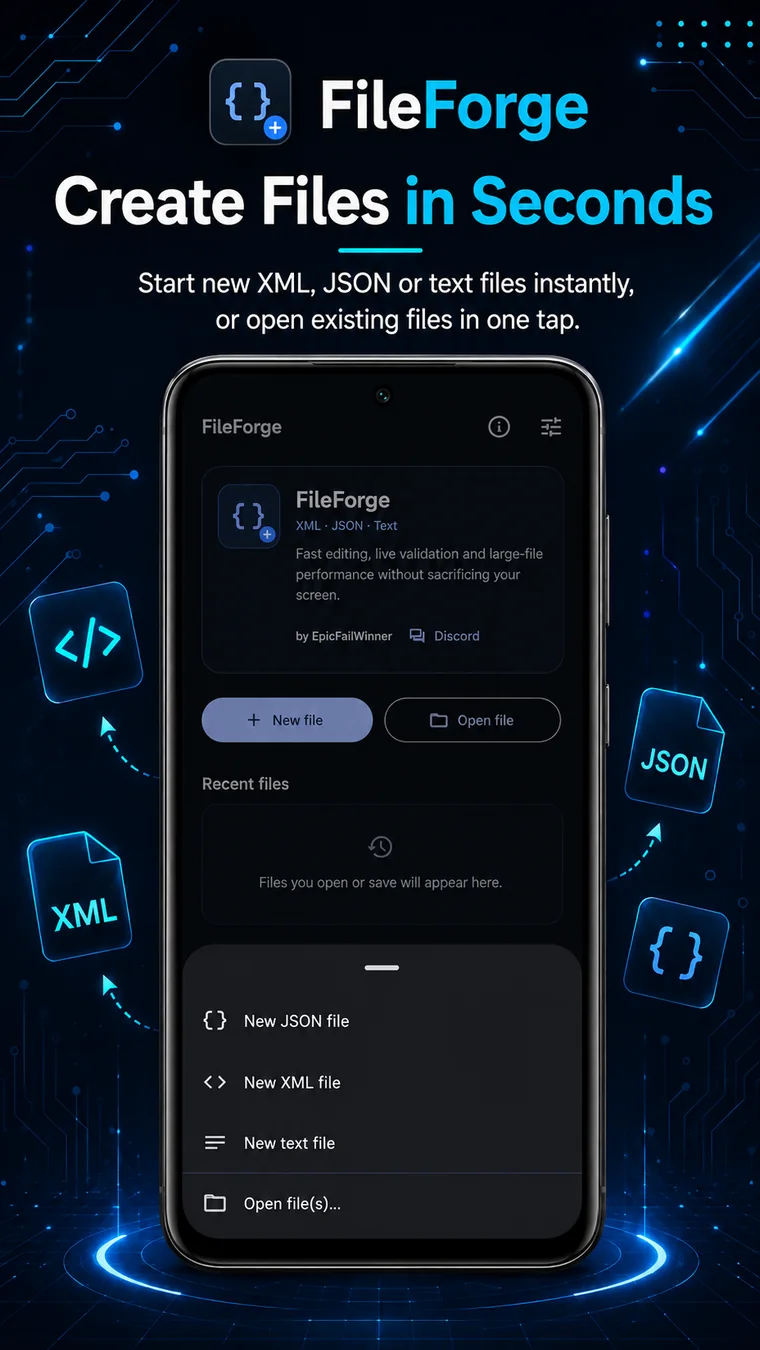
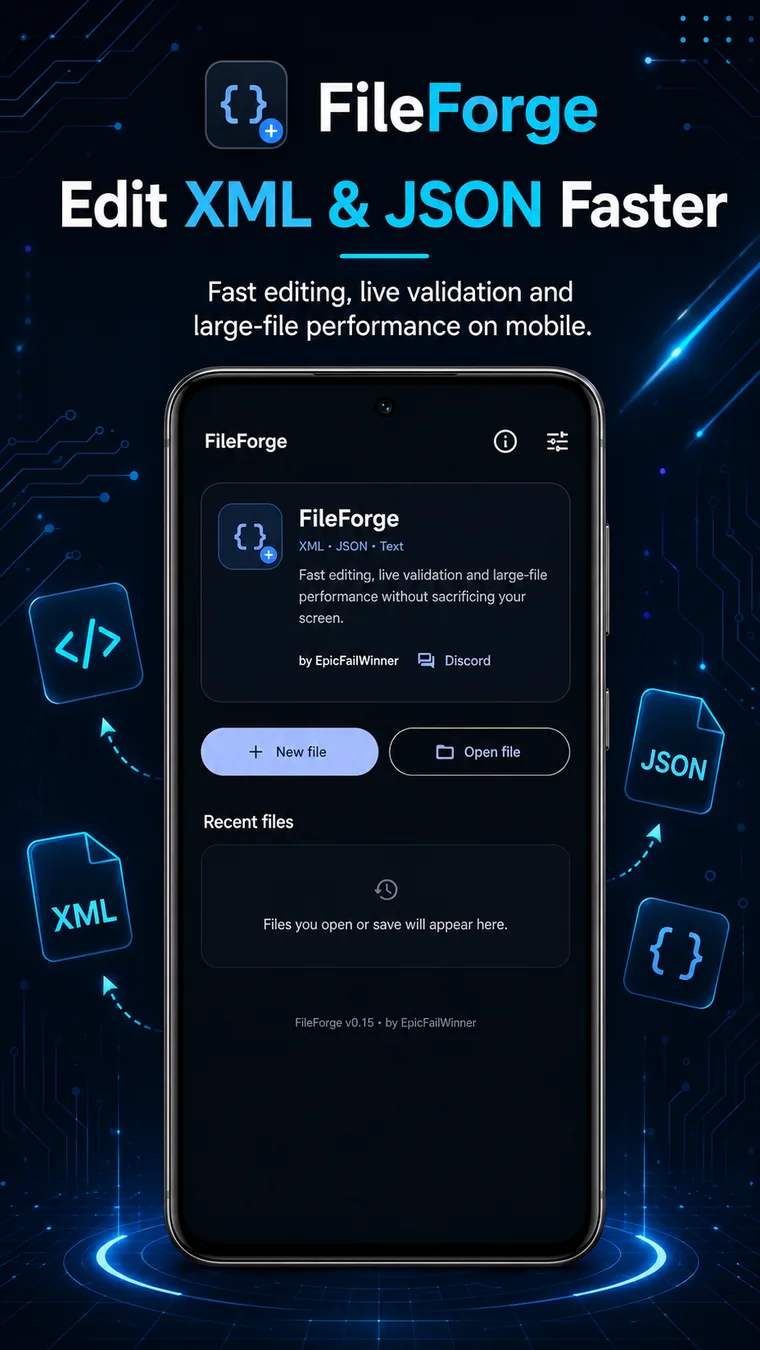
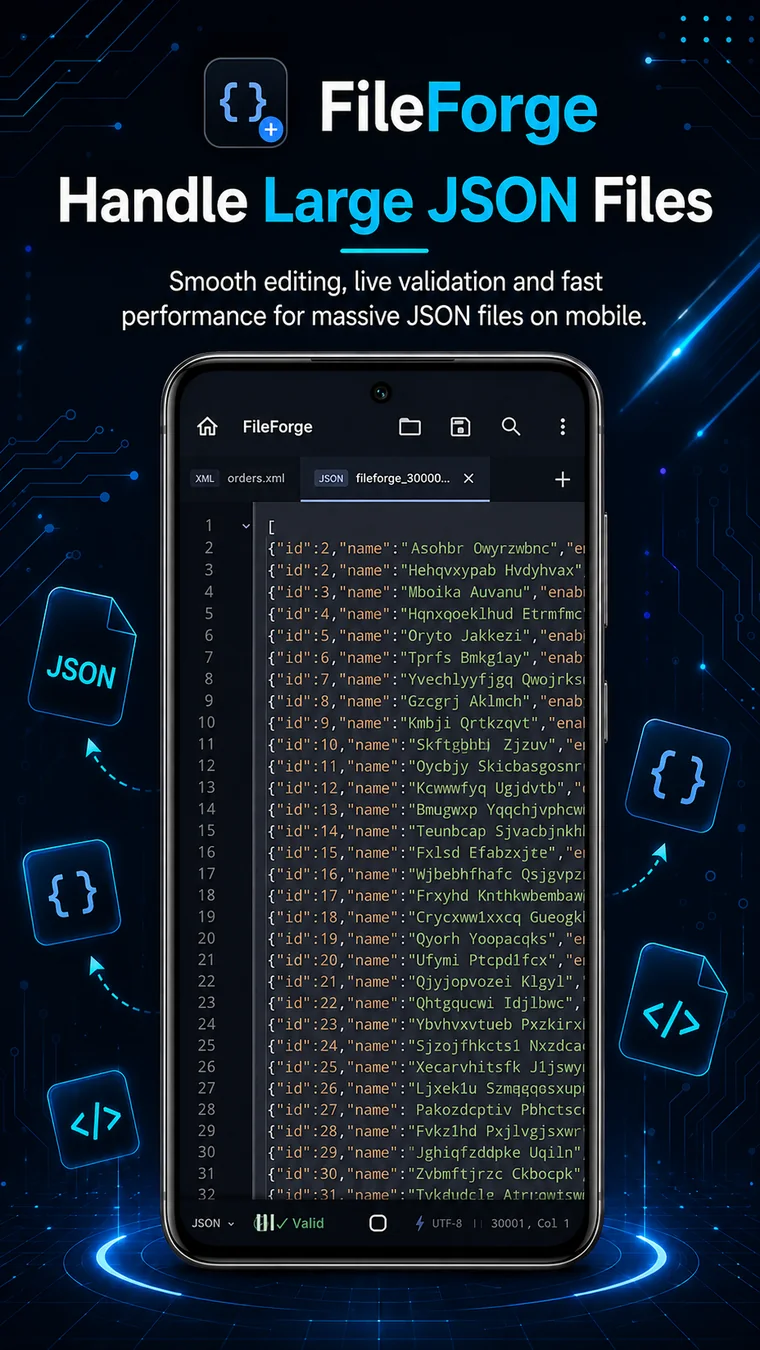
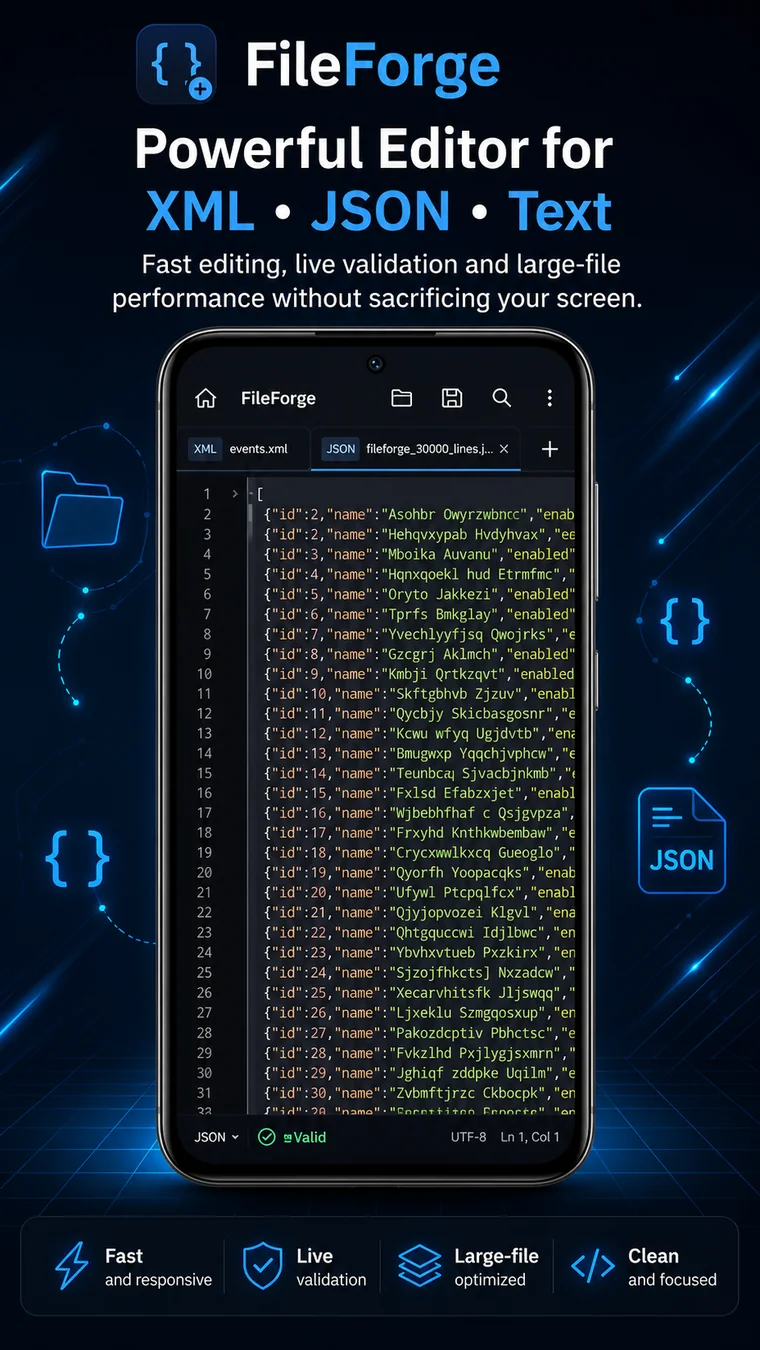
FileForge in action.
A compact look at the actual FileForge experience for XML, JSON and text work.
Built for a clear job.
Developers, server admins, game-server owners and anyone who needs to inspect or make a quick change to XML or JSON without opening a full desktop IDE.
Where it fits.
Why use FileForge?
FileForge keeps structured-file work focused. Instead of surrounding a simple XML or JSON edit with a full development environment, it gives you the tools needed to open, check, format and change the file quickly.
Frequently asked.
Can I edit XML and JSON files on Android?
Yes. FileForge is designed specifically for opening and editing XML and JSON files on Android.
Can I use FileForge in a browser?
Yes. FileForge Web provides a browser-based XML and JSON workflow for quick edits, validation, formatting and conversion.
Does FileForge replace a desktop IDE?
No. It is intentionally a focused utility for structured-file work, quick fixes and inspection rather than a full programming environment.
Is FileForge available on Google Play?
Yes. FileForge is publicly available on Google Play.