
RenameForge
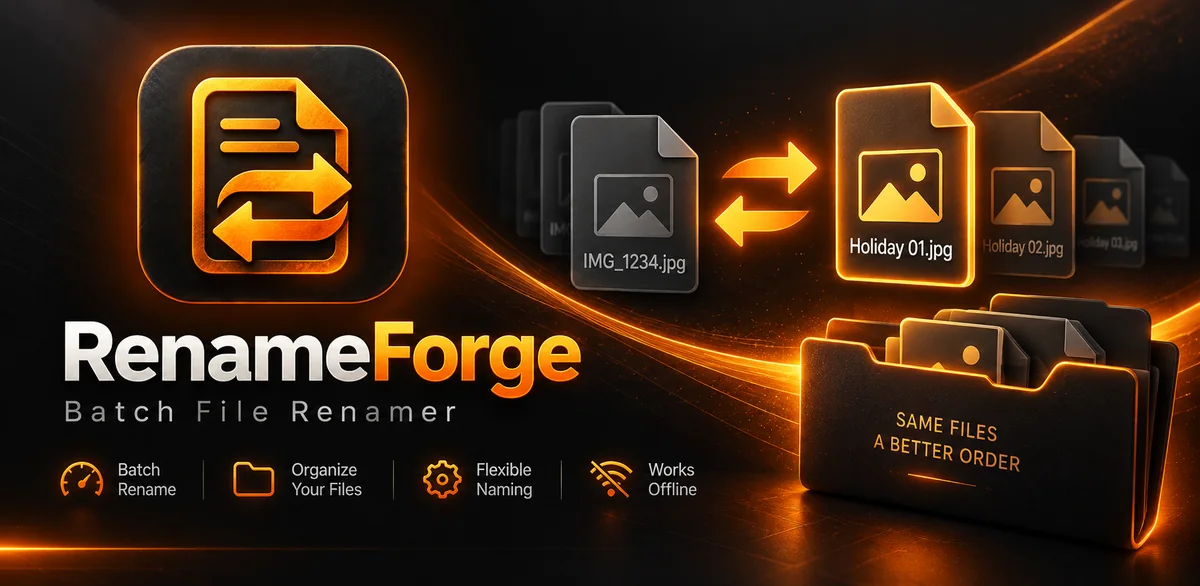
Rename groups of files with rules instead of editing filenames one by one. RenameForge is built for repeatable batch jobs, clear previews and a faster file-cleanup workflow.
Fast batch file renaming
- Batch rename files
- Rule-based naming workflows
- Local processing
- Fast, utility-first interface
RenameForge
Platform: Android
Status: Closed testing
Package: com.deletedusergames.renameforge
RenameForge in action.
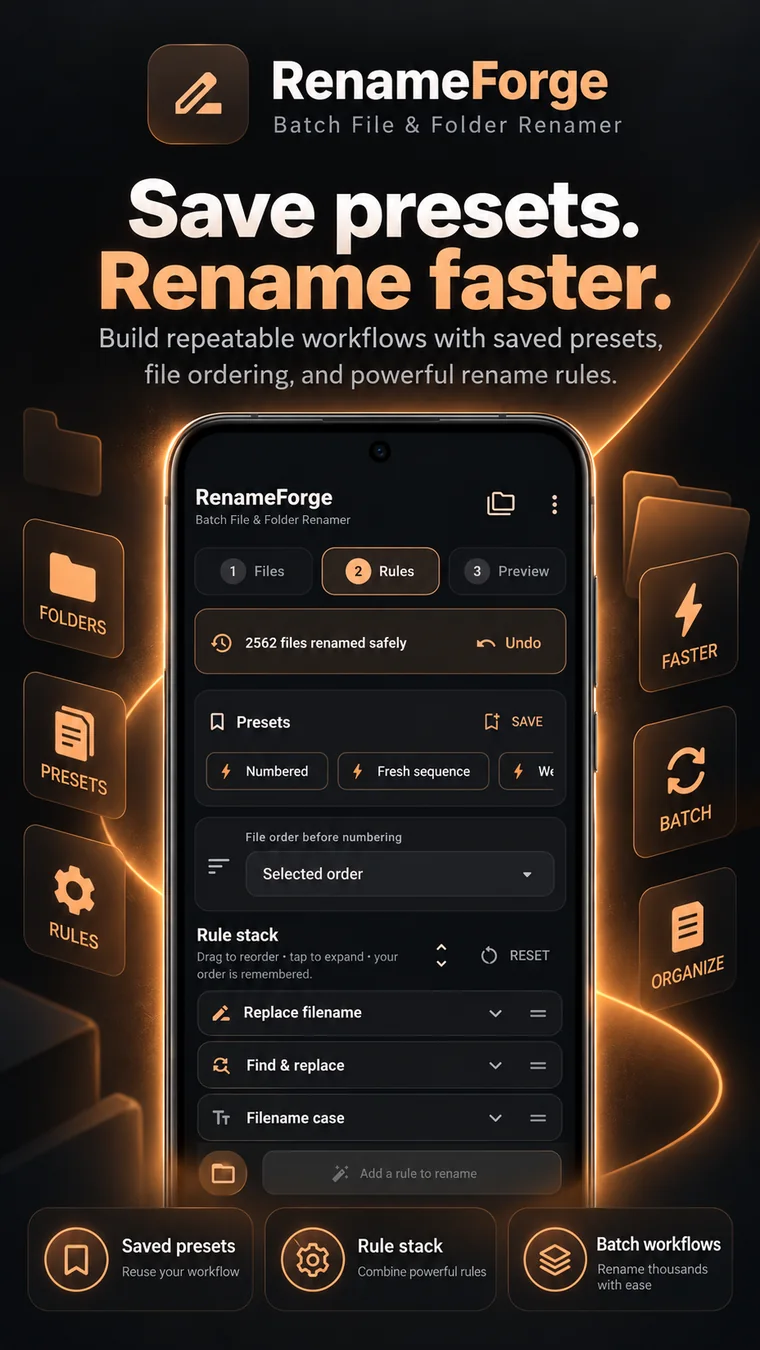
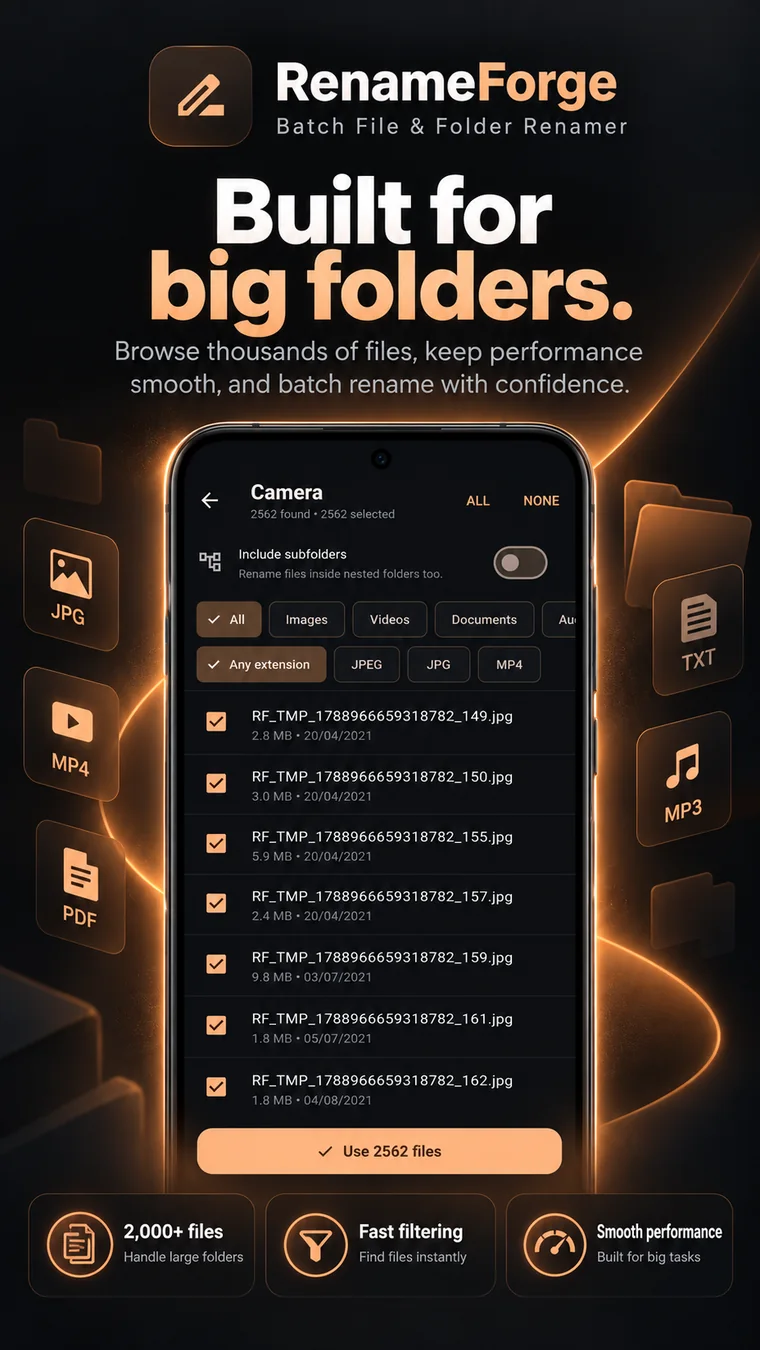
These real supplied assets show the batch-renaming workflow without needing oversized imagery.

Built for a clear job.
Anyone cleaning up downloads, photos, exports, documents or other folders where dozens of filenames need the same change.
Where it fits.
Why use RenameForge?
Batch renaming should be predictable. RenameForge lets you build the rule once, preview the result and apply it across a group of files instead of manually changing every filename.
Frequently asked.
Can RenameForge rename multiple files at once?
Yes. Batch renaming is the core purpose of RenameForge.
Can I preview new filenames before saving them?
Yes. The browser workflow shows rename previews and blocks duplicate output names before export.
Can I use RenameForge in a browser?
Yes. RenameForge Web can preview batch rename rules and export renamed copies, including a ZIP for multi-file jobs.
Is RenameForge on Google Play?
RenameForge is currently in closed testing rather than a public Google Play release.