
RouteForge
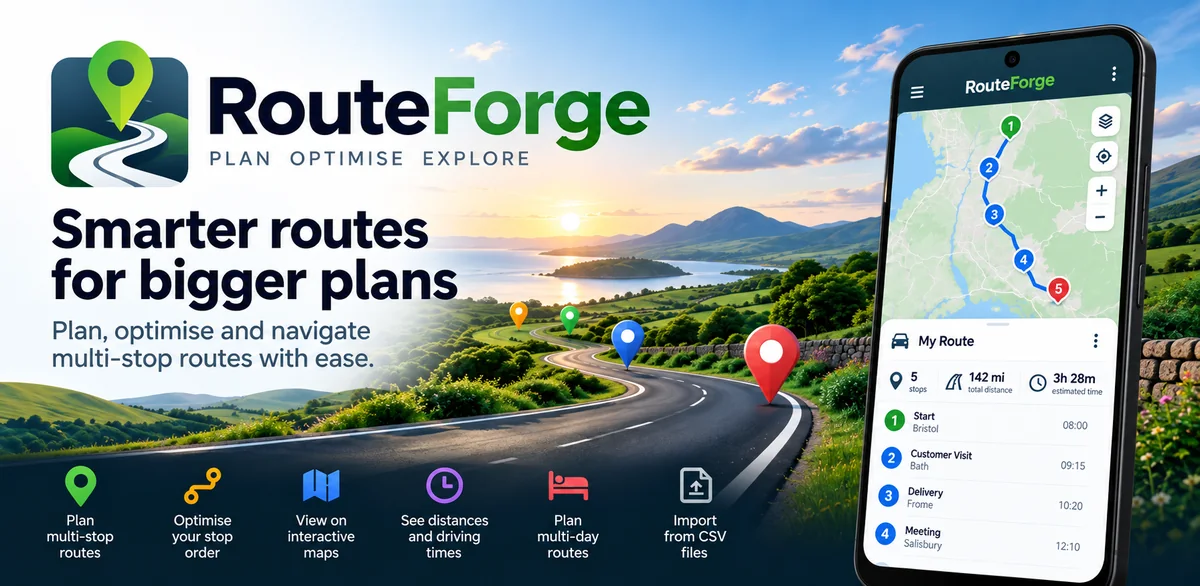
Plan a start, multiple sites and a final destination, optimise the stop order, split overnight work across two days and review the route before handing it to Google Maps.
Multi-stop route planning
- Start and finish locations
- Multiple editable stops
- Route planning and optimisation workflow
- Map preview
- Share the planned journey to Google Maps
RouteForge
Platform: Android
Status: In development
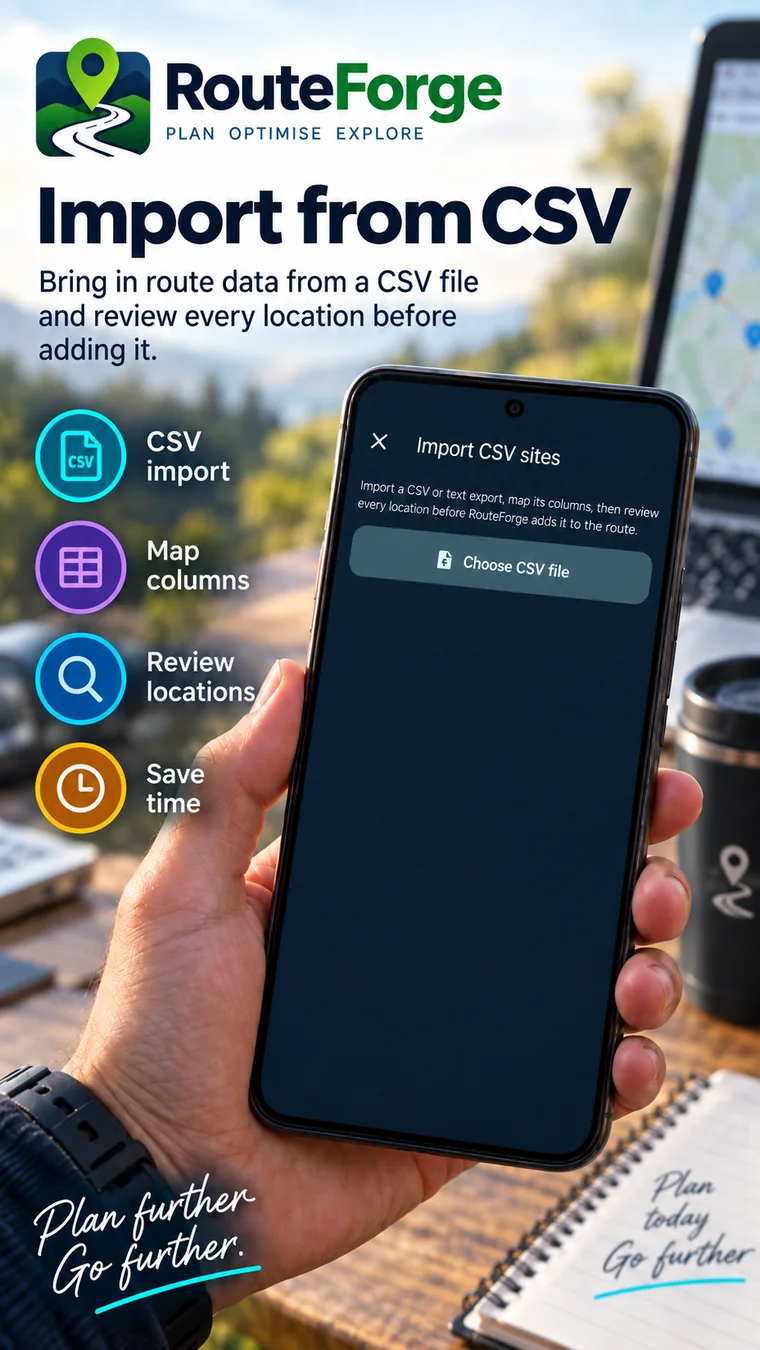
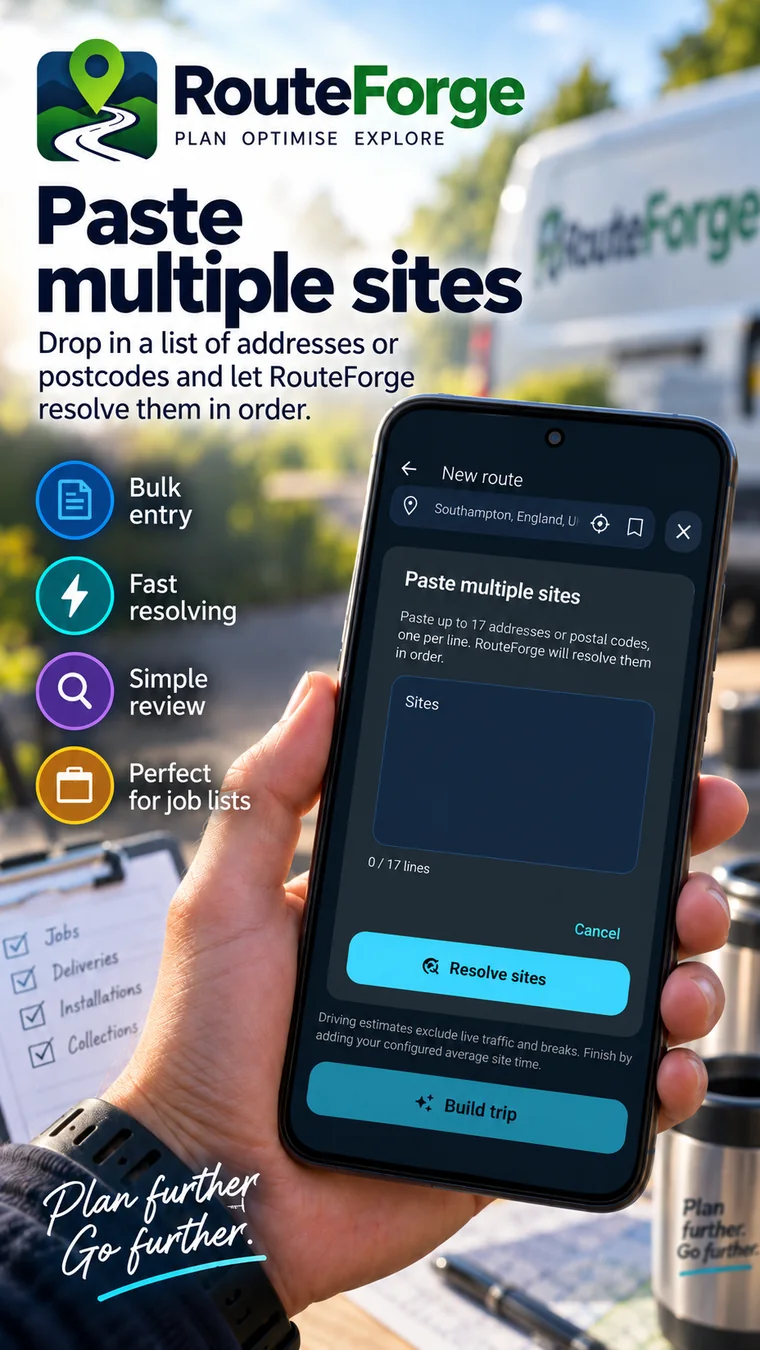
RouteForge in real screenshots.
The gallery is now deliberately compact. The previous large mockup section has been removed so the real screenshots do the talking.
Built for a clear job.
Field engineers, inspectors, sales reps, delivery workers and anyone planning a day with several sites before opening navigation.
Where it fits.
Why use RouteForge?
Navigation apps are good at getting you to the next place; RouteForge is built for deciding what the whole day should look like first. Add the stops, improve their order, review the plan and then hand the route off for navigation.
Frequently asked.
Can RouteForge optimise the order of multiple stops?
Yes. RouteForge can use road-time data to improve the order of the sites between a fixed start and finish.
Can RouteForge split an overnight route across two days?
Yes. Overnight Auto Split can prioritise Balanced days or Fastest overall and can account for average time spent at each site.
Does RouteForge replace Google Maps?
No. RouteForge is the planning layer; it can hand the planned route to Google Maps for navigation.
Can I use RouteForge online now?
Yes. RouteForge Web is live in the browser while the Android app remains in development.